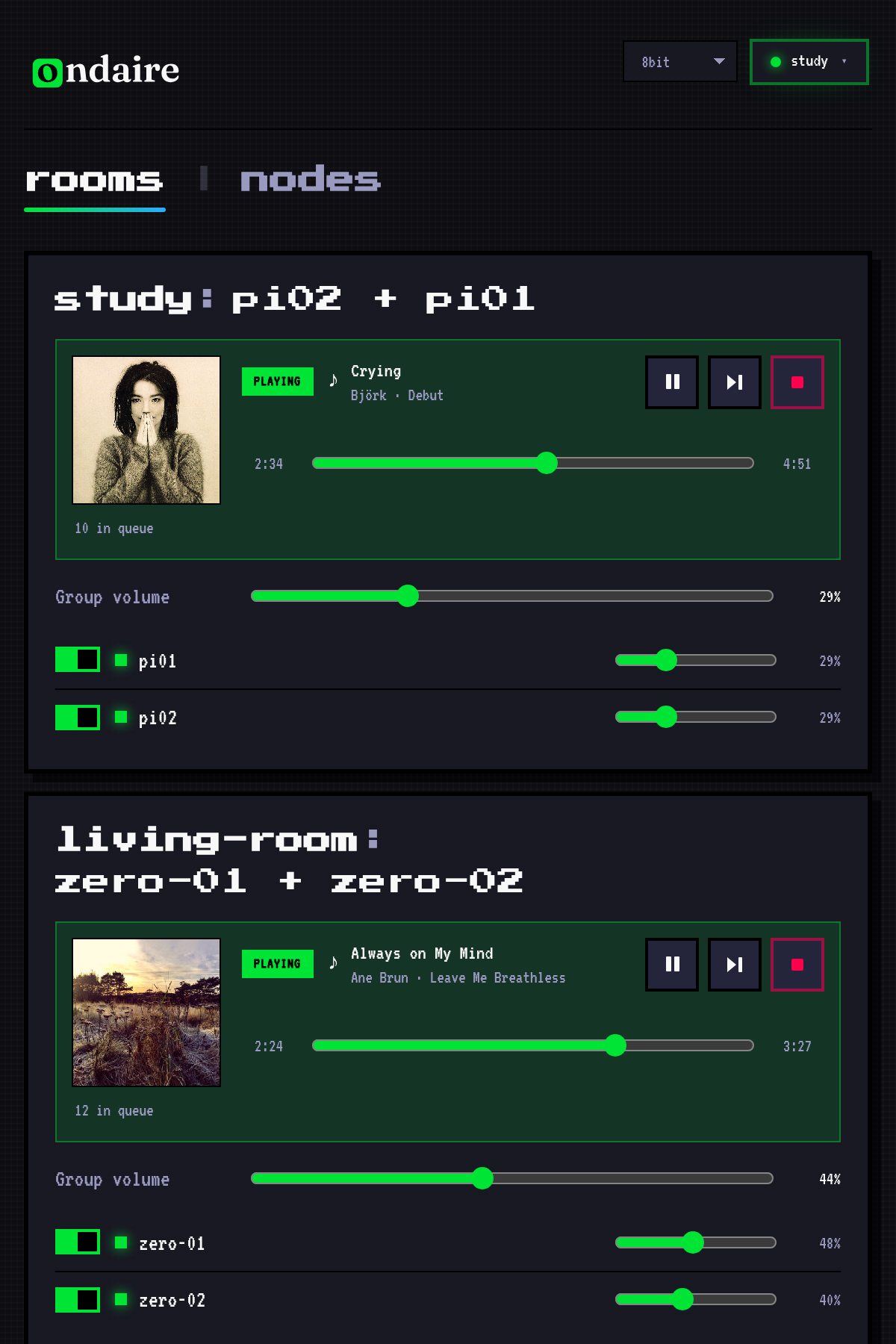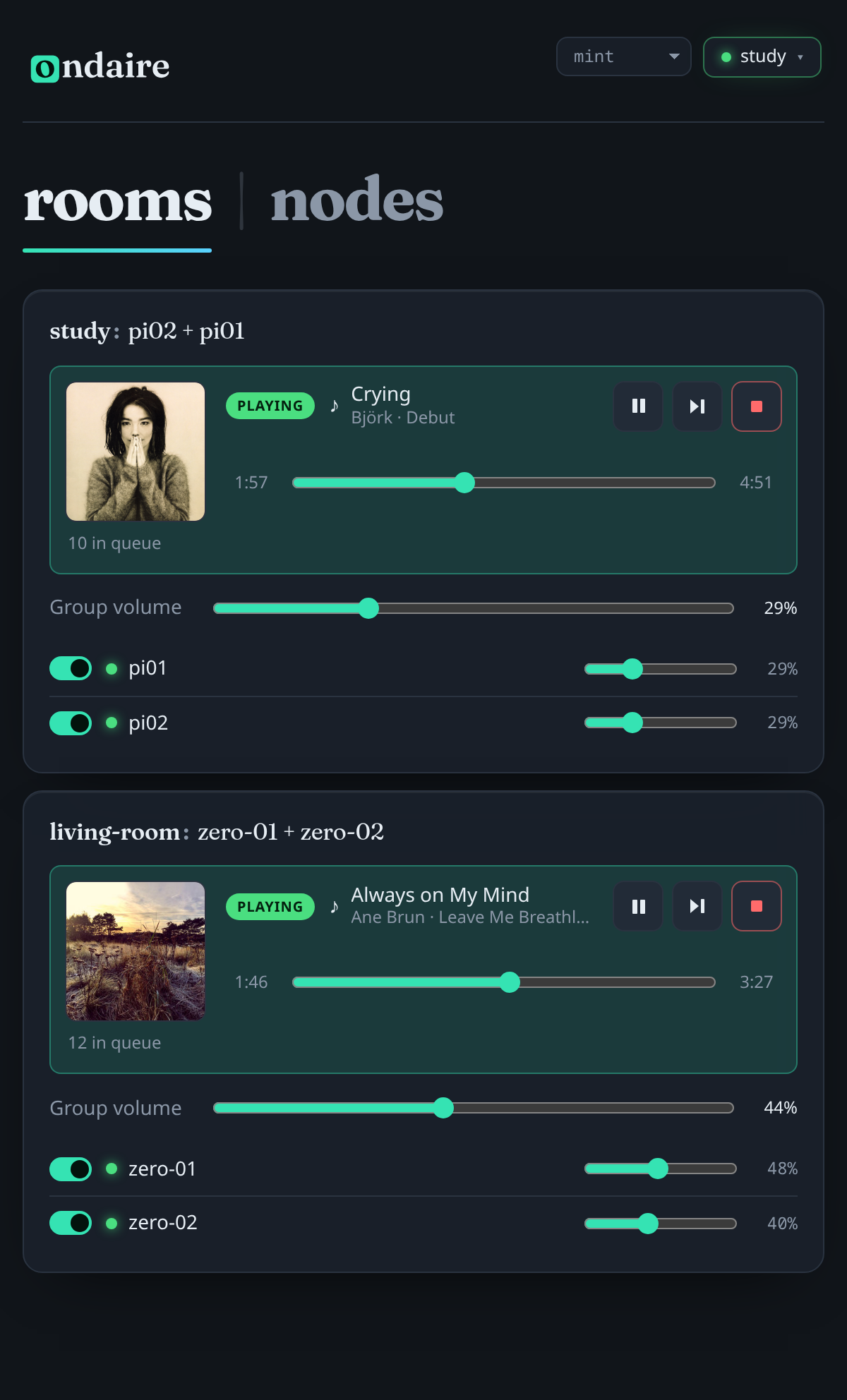
Grouping & now playing
See and steer every room
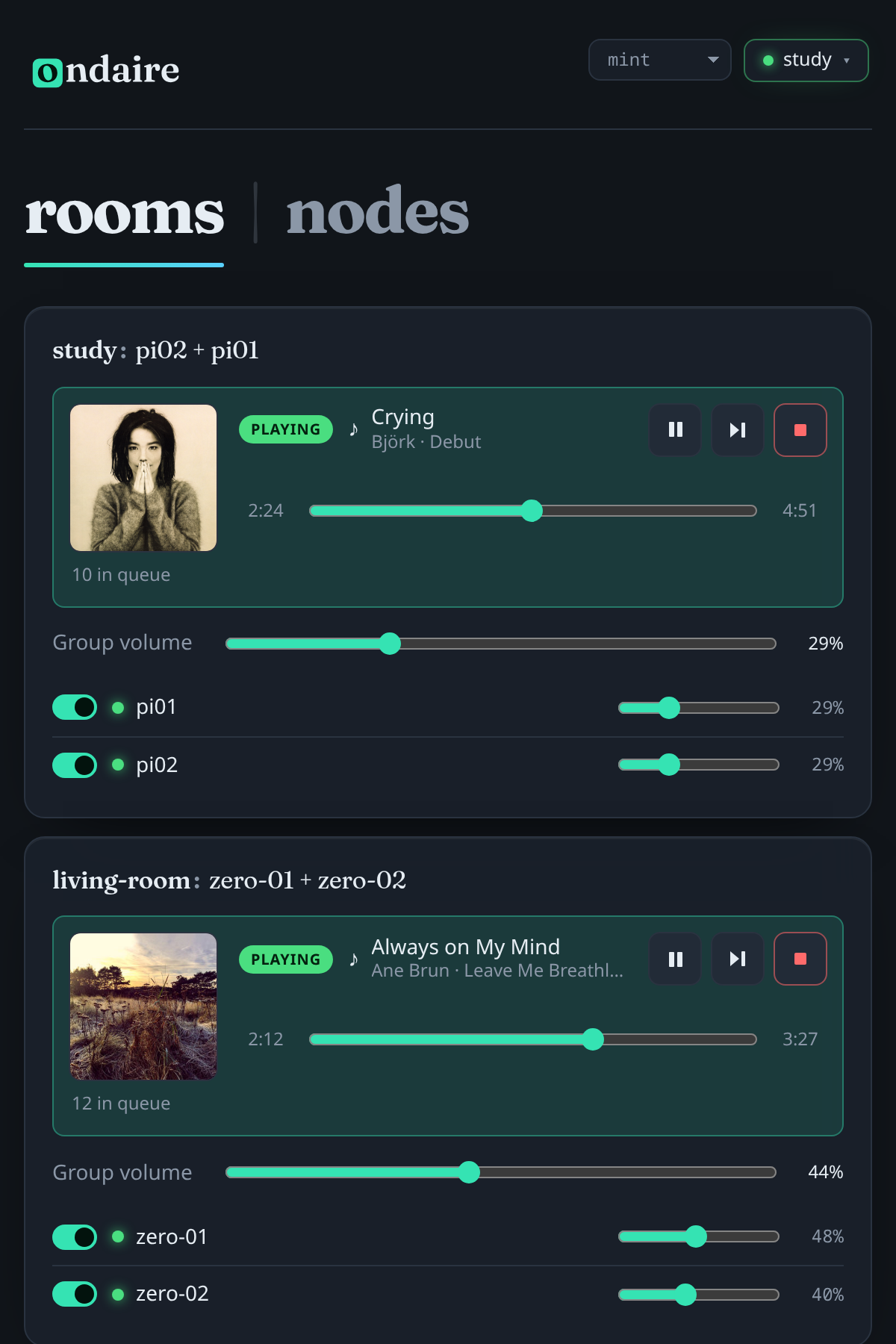
Group devices into rooms, watch the current track with cover art and position, and balance volume per room and per speaker — the whole house on one screen.
There’s no separate controller to install: every node serves the same web app and proxies to the rest, so any phone or browser on your network drives the whole house. Here are the pieces that matter.
Group devices into rooms, watch the current track with cover art and position, and balance volume per room and per speaker — the whole house on one screen.
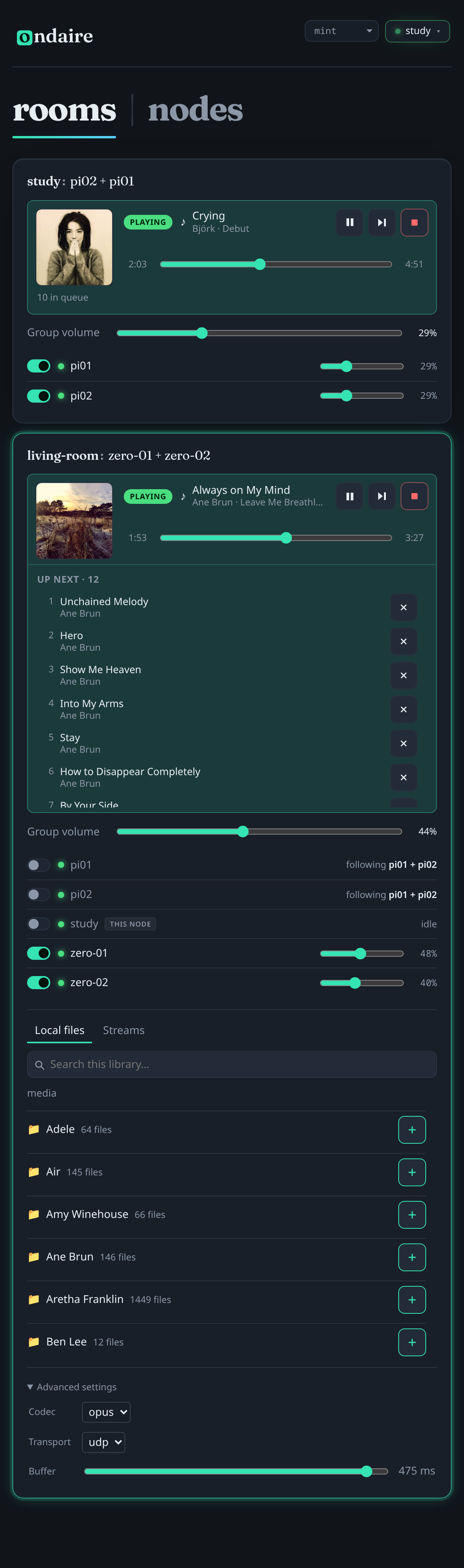
Select a room to reveal its roster and the master’s library. Drop in a speaker, browse folders, and press play — no menus to dig through.
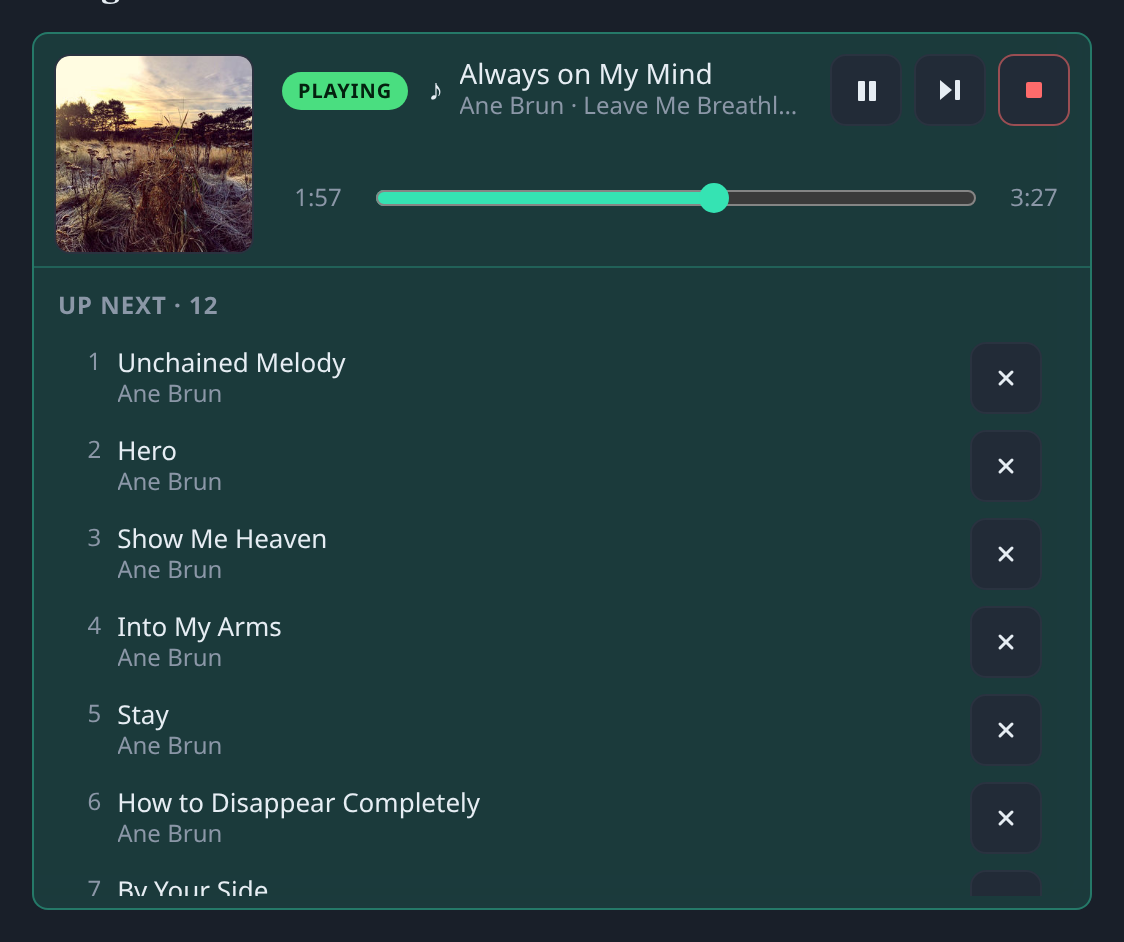
Queue up a track — or a whole folder — and it plays gaplessly, back to back. The queue belongs to the room, not to one phone: anyone in the house can add what they want to hear, skip ahead, or pull a track. Titles come straight from your files’ tags.
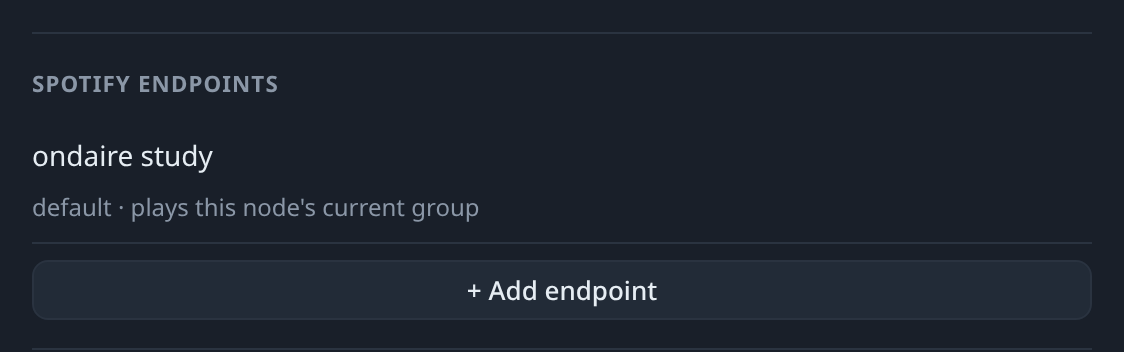
Expose named Connect devices that each map to a set of speakers. Pick one in the Spotify app and ondaire forms that group and plays — built in via go-librespot.
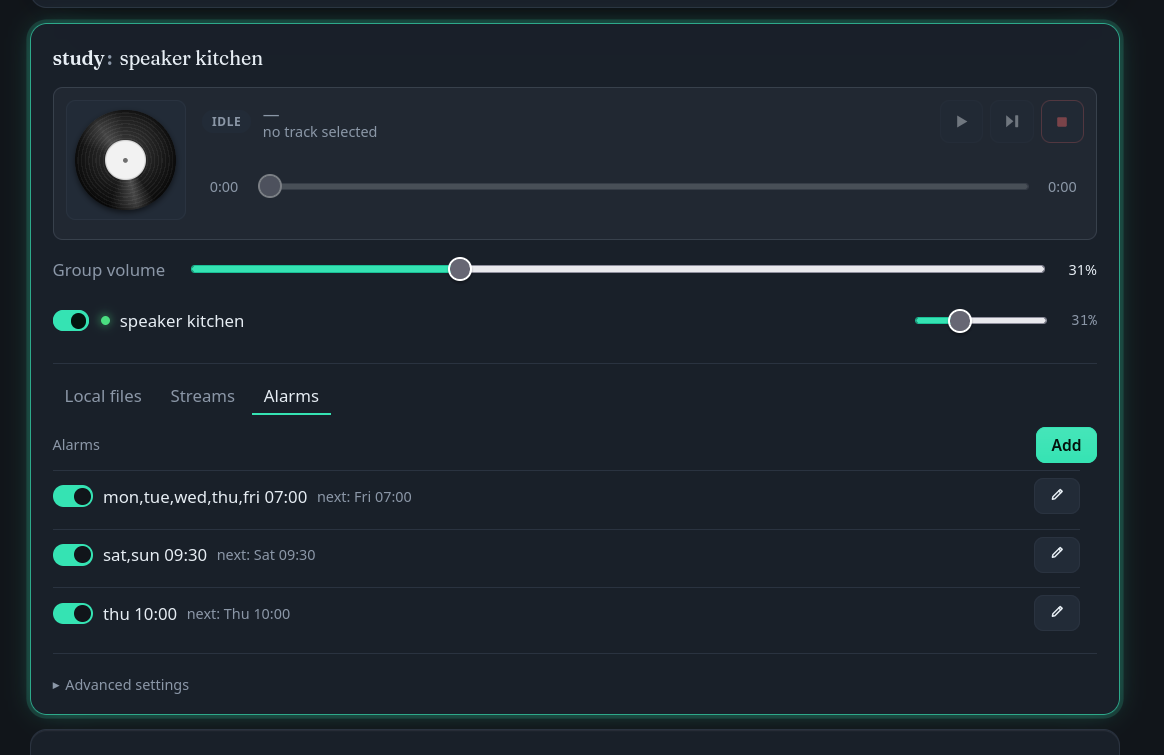
Give any room a schedule and it wakes itself on cue — a morning stream on weekdays, a shuffled playlist at the weekend. Each alarm shows exactly when it fires next, and a tap on its switch turns it off without losing the setup. Every schedule is saved to disk and survives a restart.
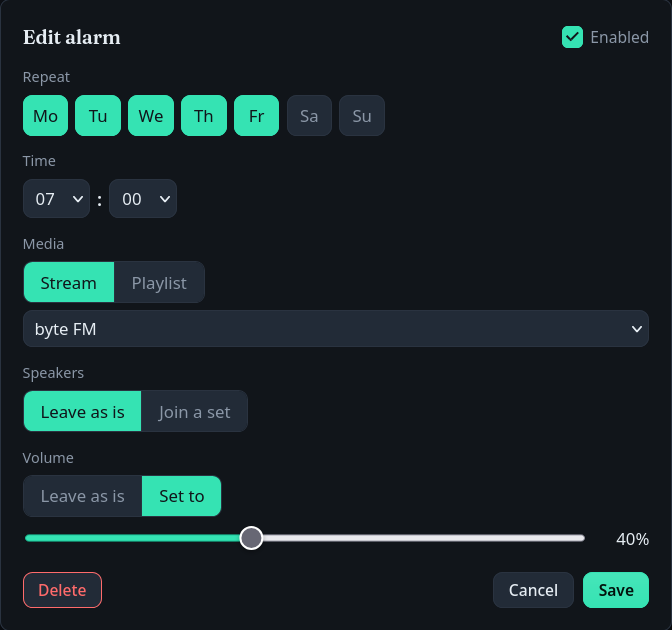
Pick the days and the time, choose a saved stream or a folder of your own music (shuffle optional), then decide which speakers wake up and how loud. Leave speakers and volume as they are, or set them just for this alarm.

Live per-node stats — sync health, buffer, link quality — alongside volume, fine hardware-delay alignment, output device and feature toggles, for every node on your network from the same page.
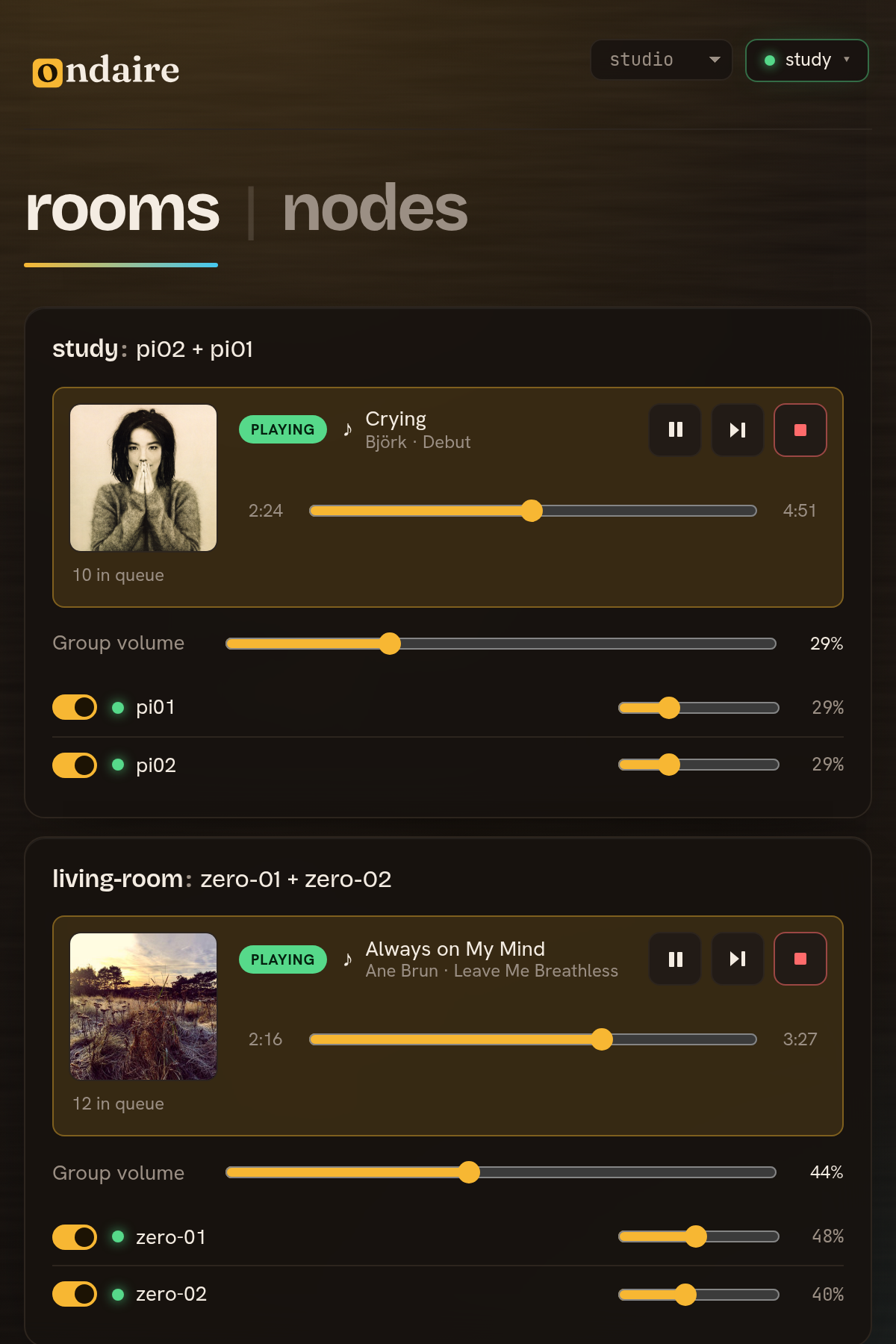
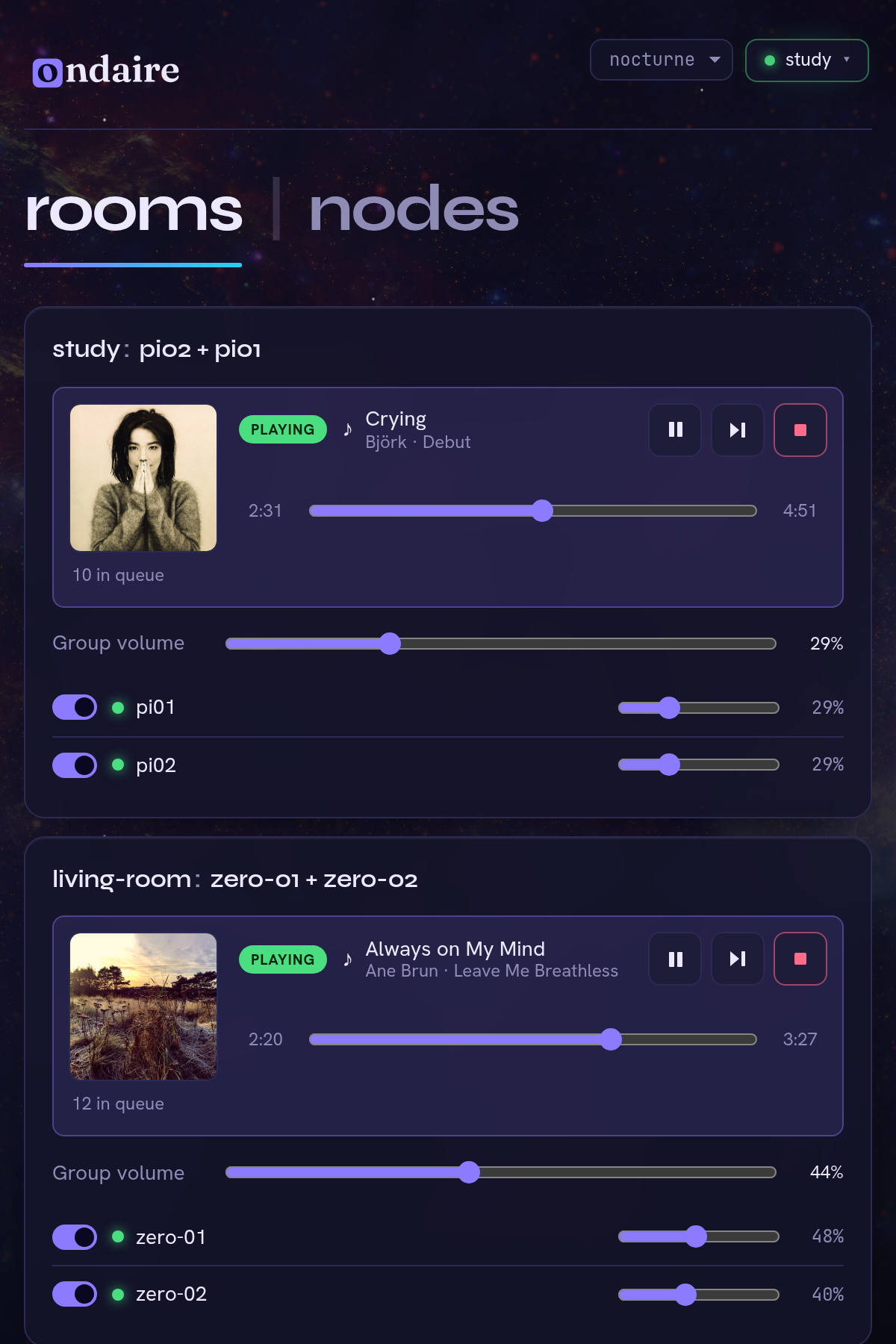
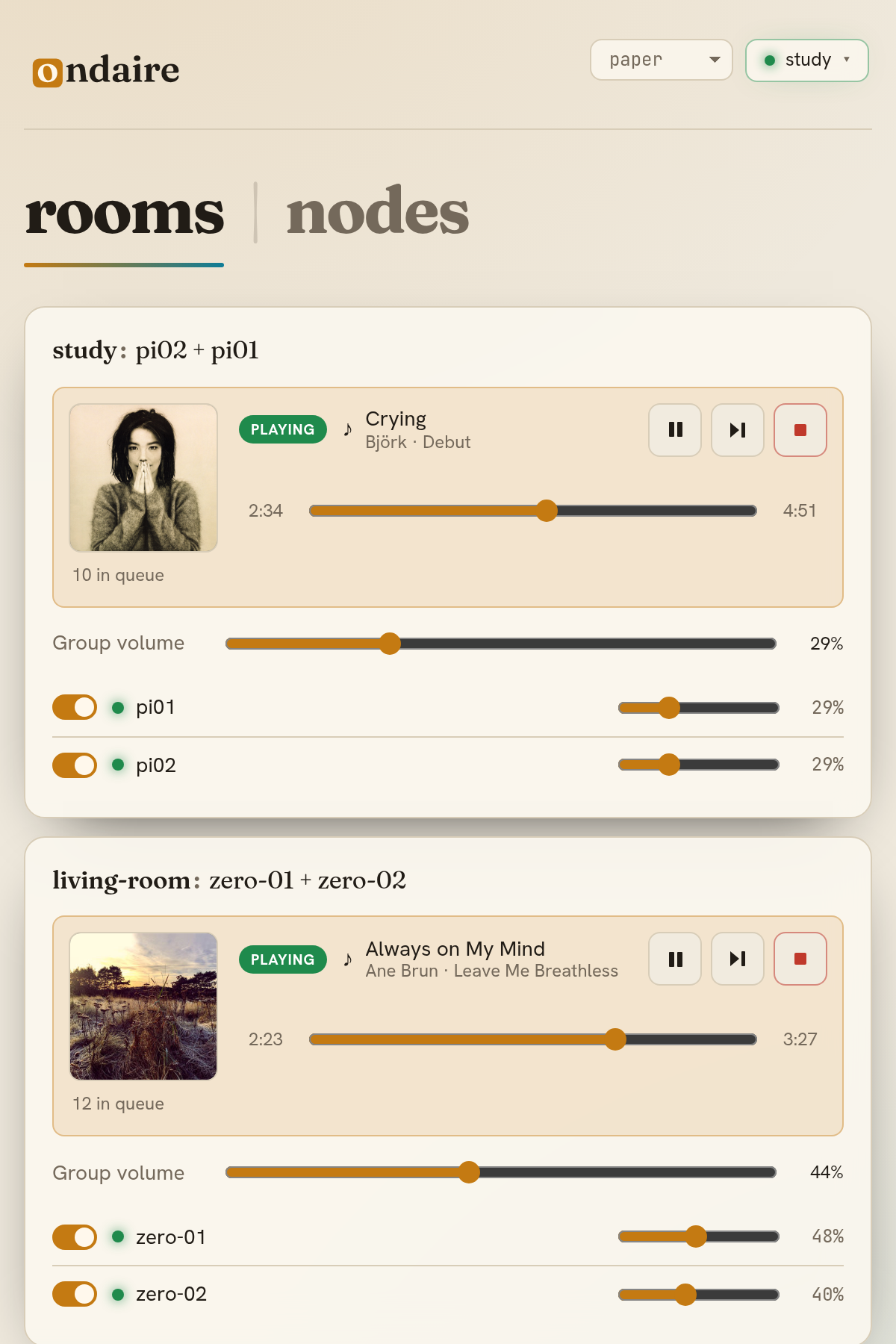
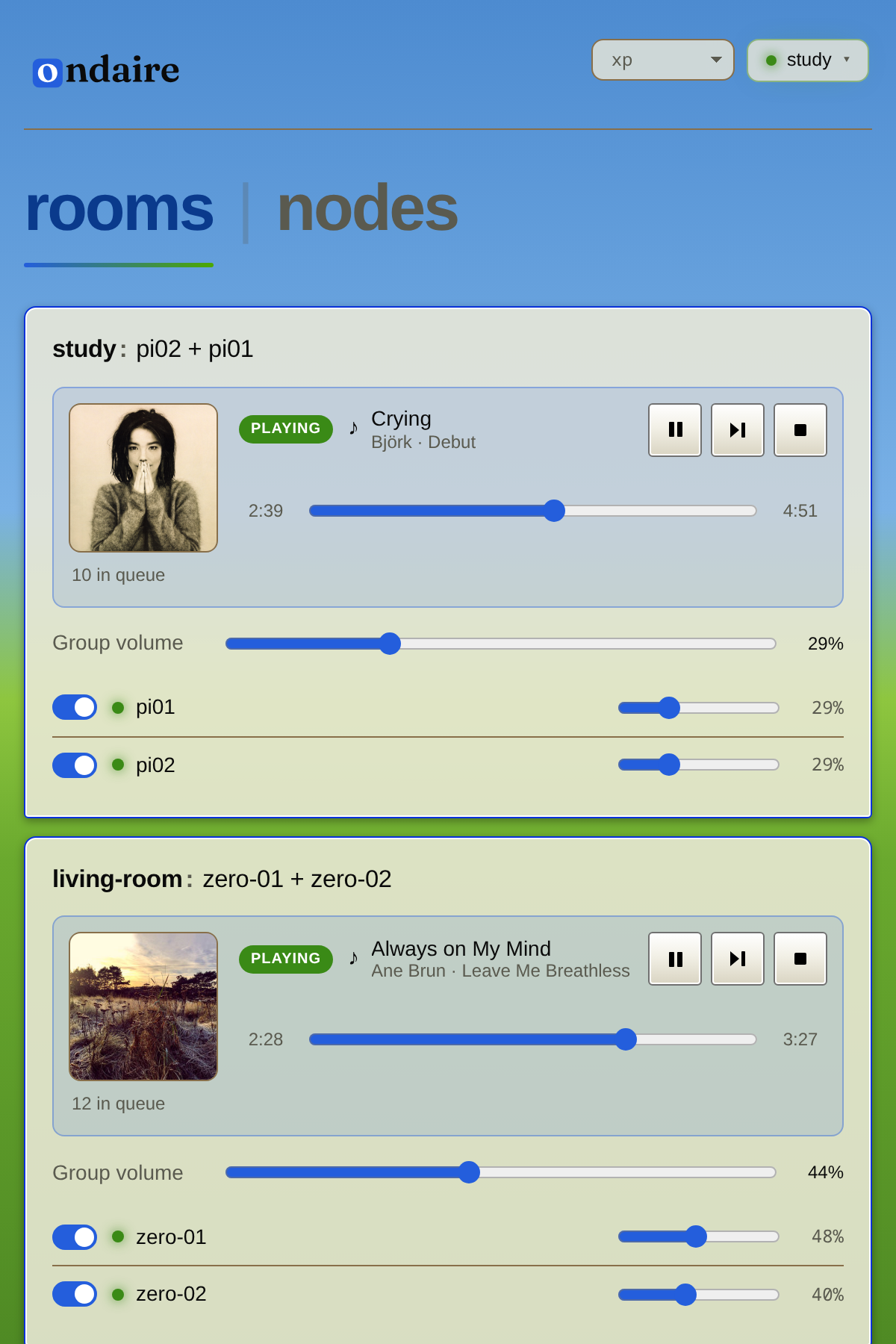
The control app is fully themed — a single switch re-skins everything, fonts and all. A few built in, from a warm studio console to a pixel-art throwback.