Flash a DIY speaker, right from your browser.
Turn an ESP32 + an I2S DAC (or an all-in-one amp board) into a real ondaire player — it shows up in the cluster, joins any group, and plays in lock-step like every other room. No toolchain, no app: plug it in over USB-C in Chrome or Edge and flash. On first boot it hosts a Wi-Fi hotspot for setup. Receive-only, opus over Wi-Fi.
- 1Select board
- 2Install
- 3Finished
Select your board
Pick the board you’re flashing — the firmware bakes in that board’s pins and DAC wiring, so the only thing left to set later is your Wi-Fi.
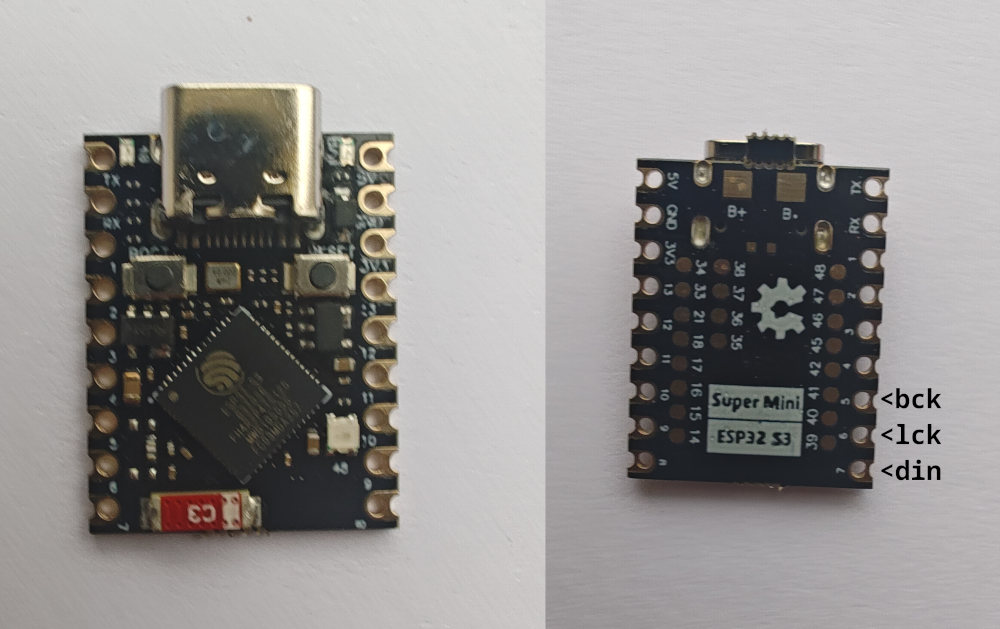 ESP32-S3 Super Mini (PSRAM version)
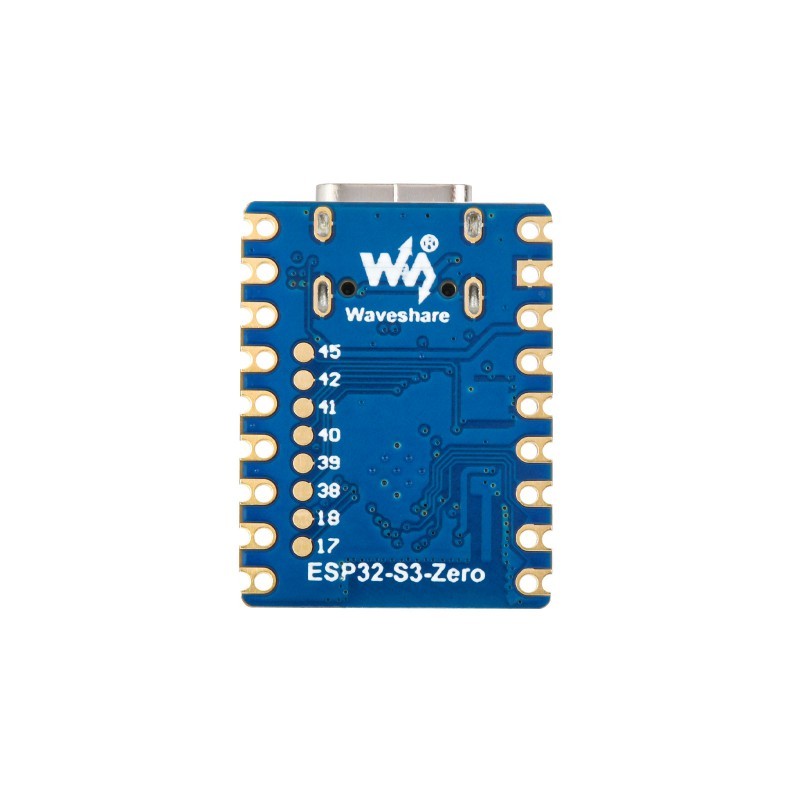 Waveshare ESP32-S3-Zero
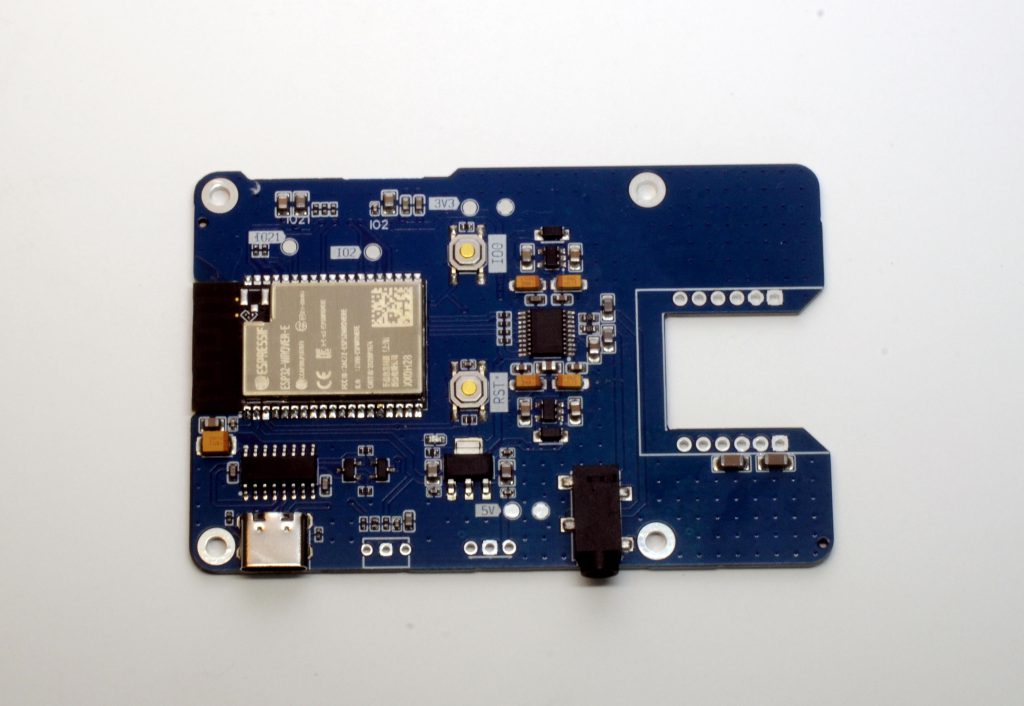 Sonocotta HiFi-ESP32-S3
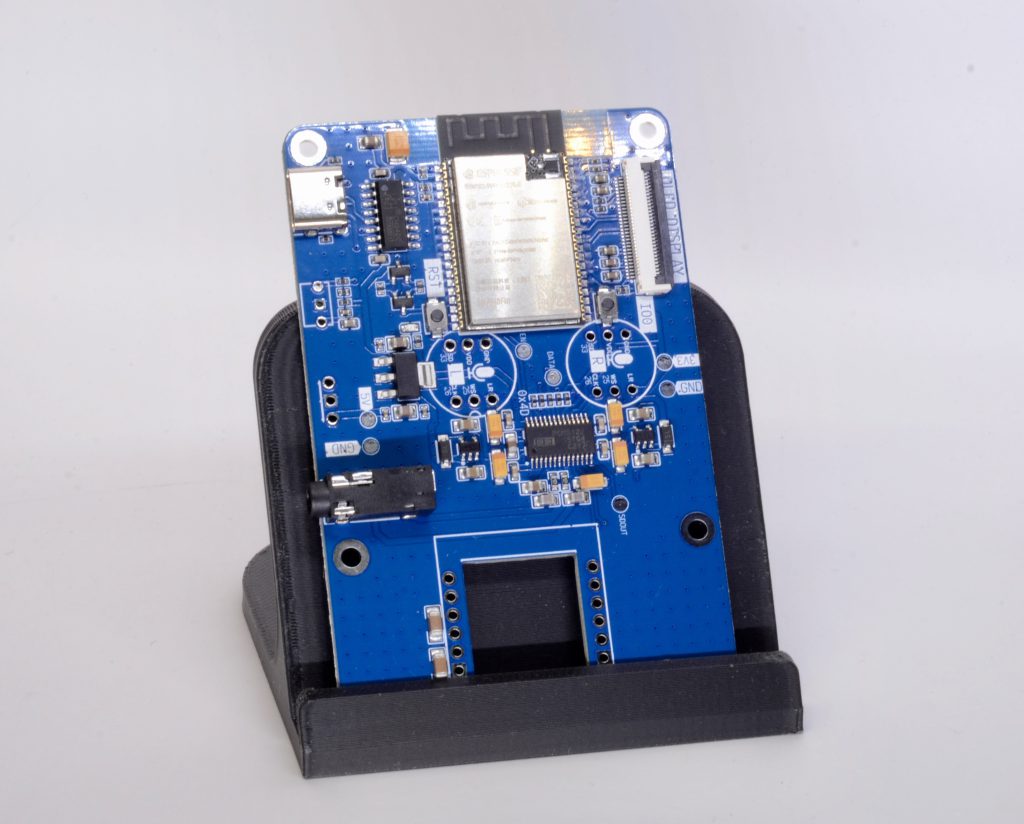 Sonocotta HiFi-ESP32-Plus
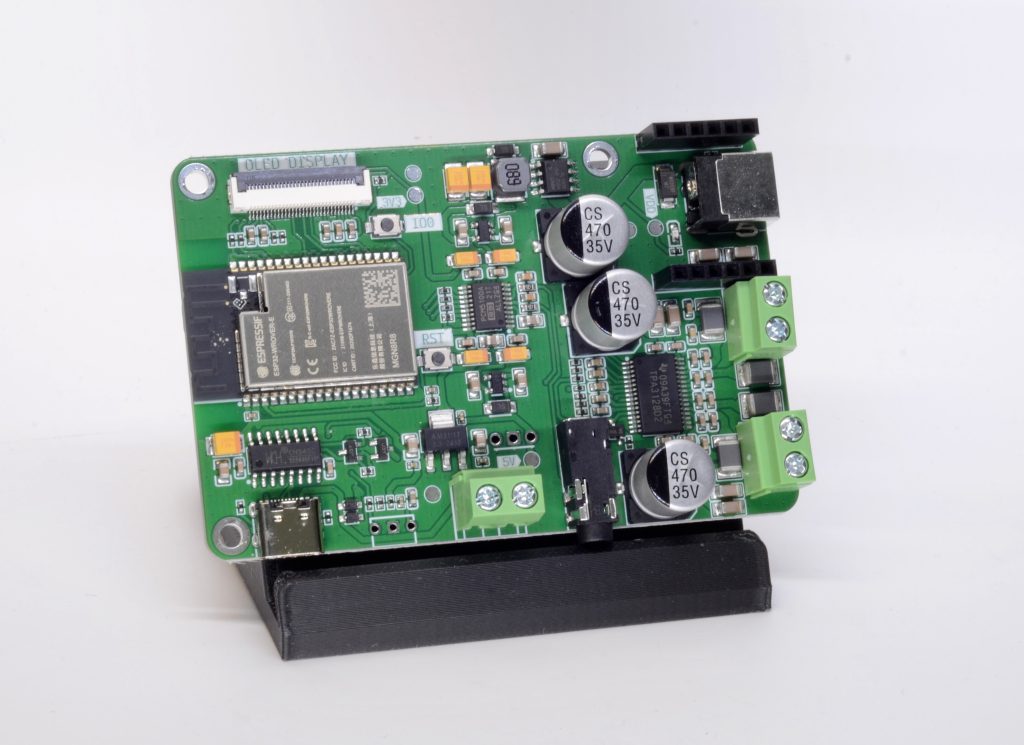 Sonocotta Amped-ESP32-S3
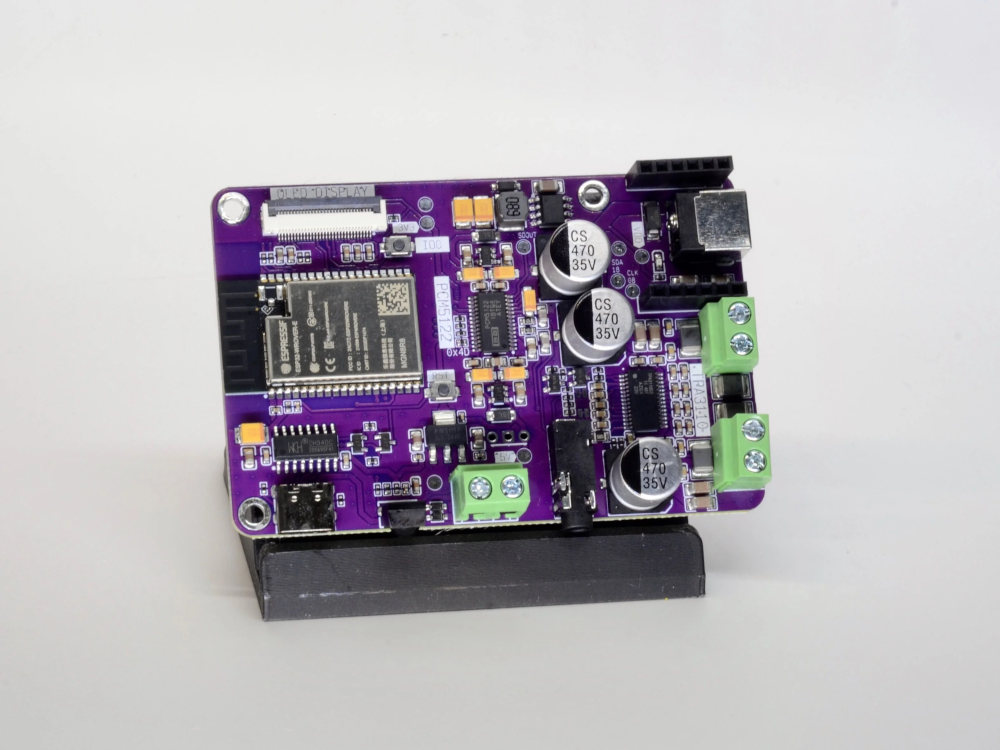 Sonocotta Amped-ESP32-S3-Plus
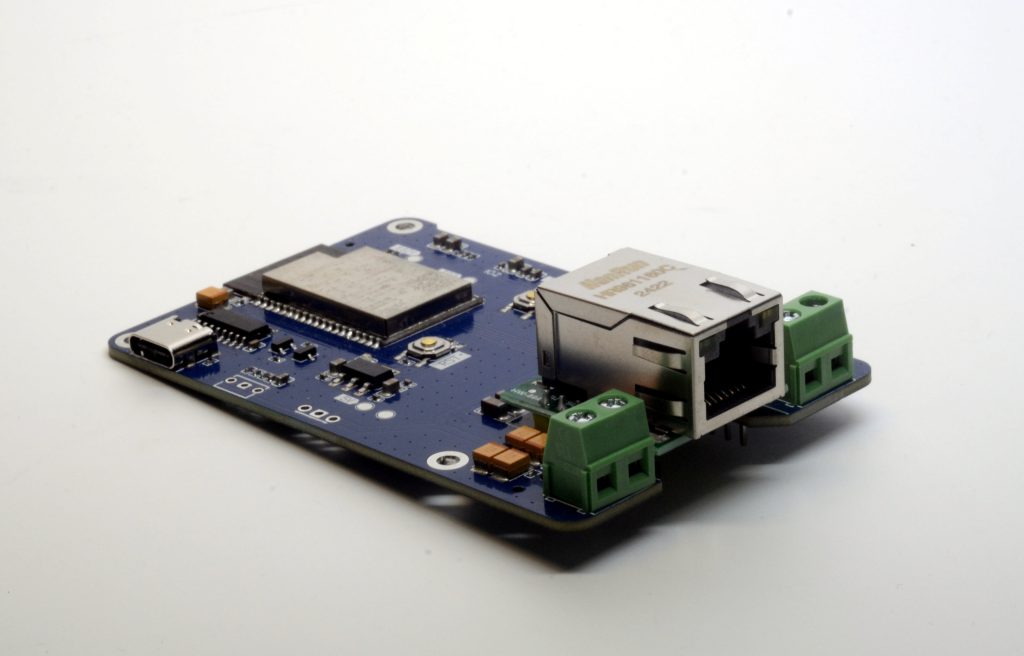 Sonocotta Loud-ESP32-S3
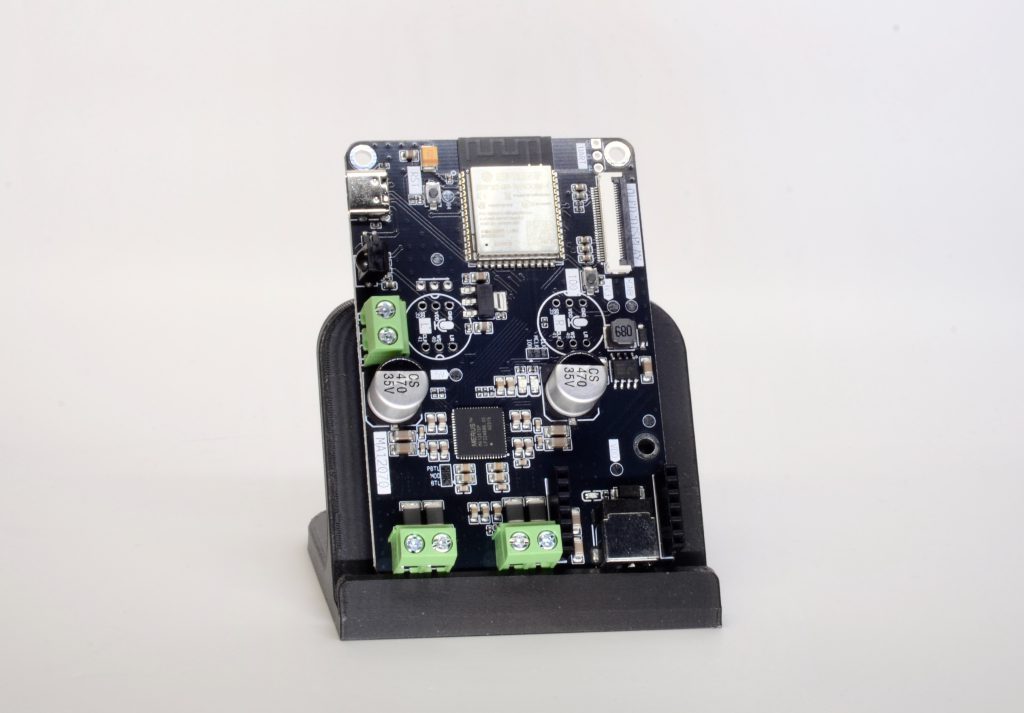 Sonocotta Loud-ESP32-Plus
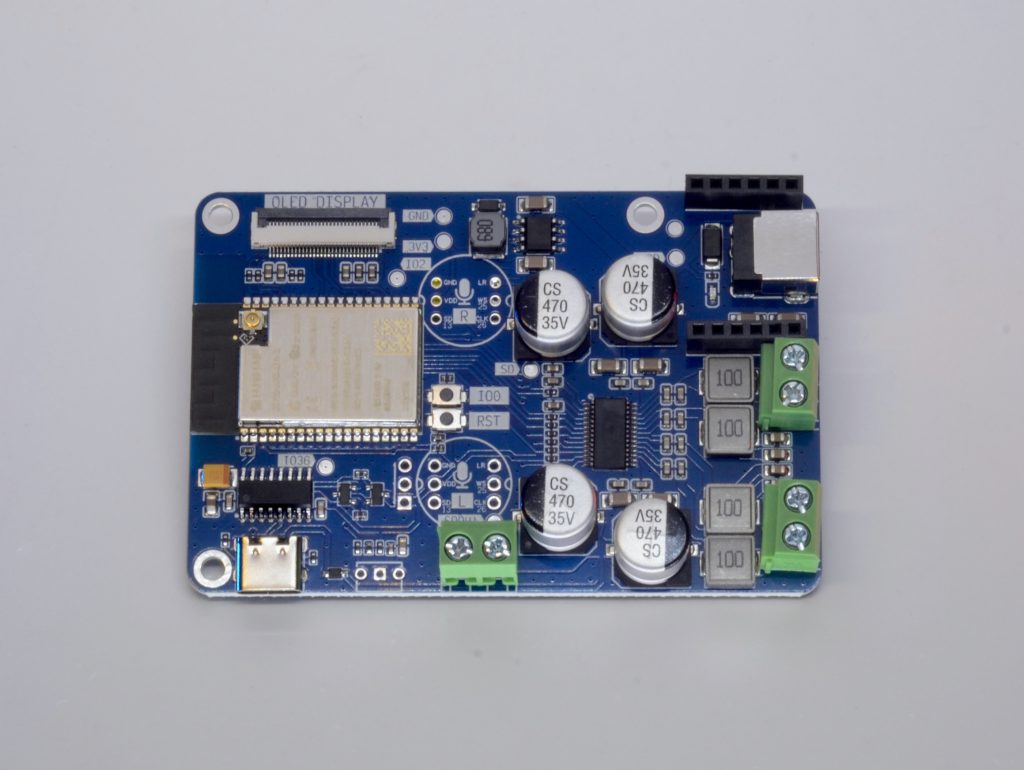 Sonocotta Louder-ESP32-S3 / Mini
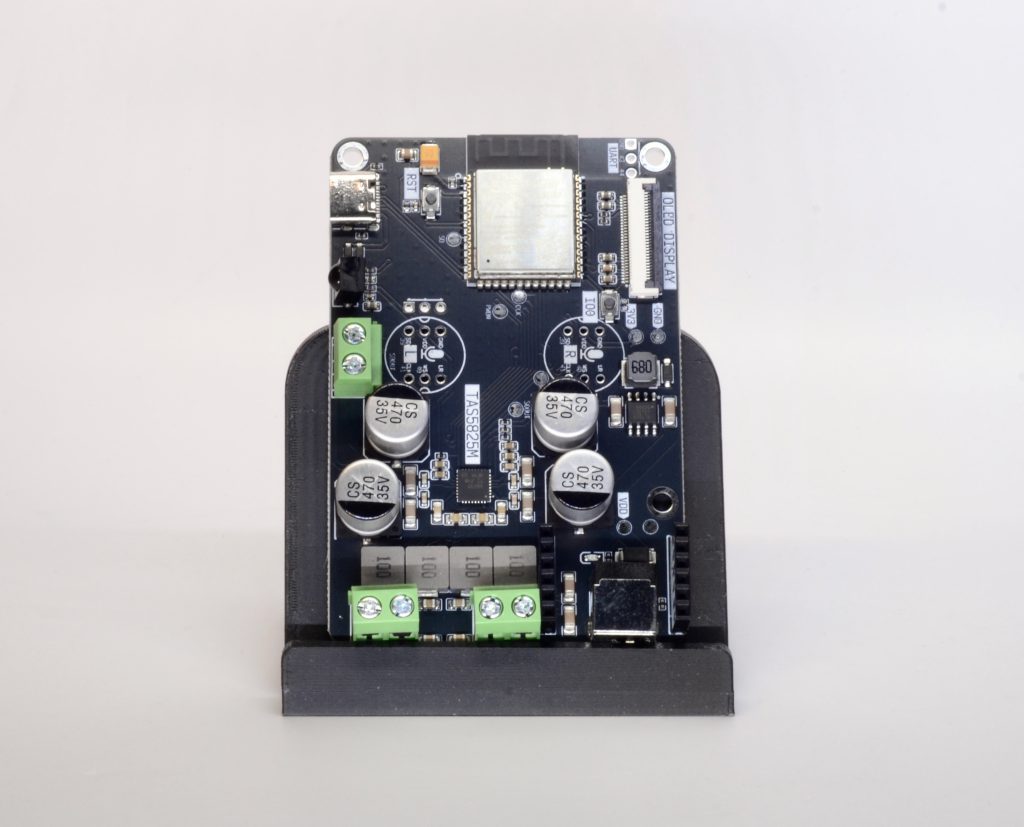 Sonocotta Louder-ESP32-Plus / Pro
No boards match your search.
What you need
- A PSRAM-equipped ESP32 board — an ESP32-S3 (DevKitC-1 or Waveshare S3-Zero) or a classic ESP32-WROVER.
- A PCM5102A I2S DAC (the common purple GY-PCM5102 module).
- A KY-040 / EC11 rotary encoder for local volume (optional).
- A USB-C cable and Chrome or Edge on desktop.
- An all-in-one Sonocotta board — DAC and amp already on board, so there’s no separate DAC to wire.
Install the firmware
Plug the board in over USB-C. First flash on an S2/S3 may need download mode: hold BOOT, tap RESET, release BOOT — then click Flash. Needs Chrome or Edge on desktop (Web Serial).
You’ve flashed an ondaire node.
If you flashed everything, the node is now hosting a Wi-Fi hotspot named “ondaire-…”. Join it from your phone or laptop and a setup page opens — enter your 2.4 GHz Wi-Fi and the node reboots, joins your network, and appears in the cluster within a few seconds, ready to join any group. (Updated firmware only? It rejoins on its own.)
Wiring diagrams, pinouts, the config protocol, and the build are all in the repo.
Firmware & hardware guide→Prefer prebuilt software nodes for a Pi or PC?
Download builds→